Stop opening
Notion every time.
Just ask Alexa.
Get 5 practical guides to
understand how Voice Planner
works, what you need to get
started, and the first
Alexa commands to try.
Delivered through Gumroad. Gumroad may ask for your email to deliver the download. See our Privacy Policy
See Voice Planner in action
Watch Alexa read your open Notion tasks and save a new one instantly
What’s Inside the Starter Kit
Preview the commands, requirements, and setup flow before activating Voice Planner
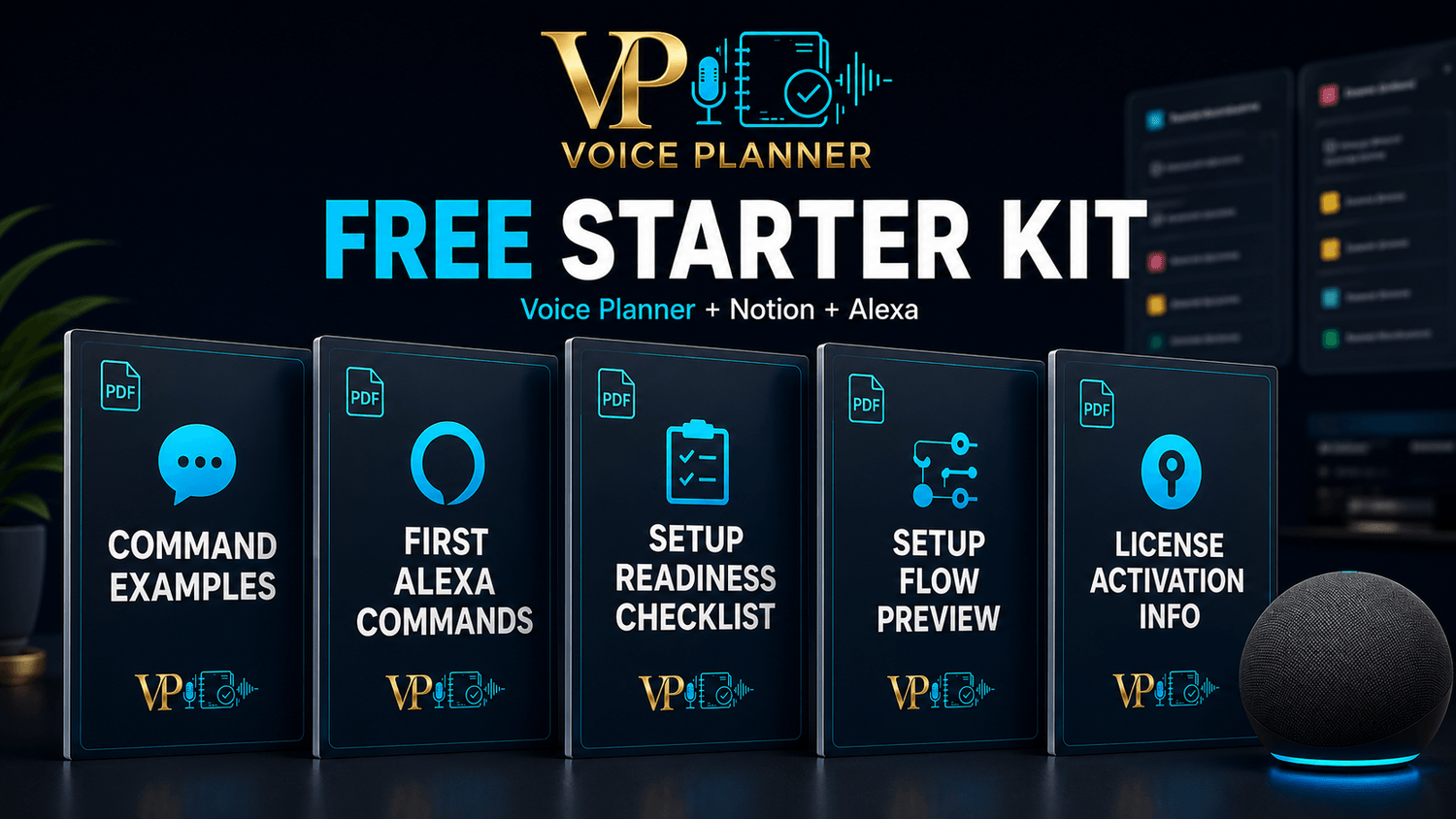
See supported examples for reading, creating, completing, and deleting Notion tasks.
Start with simple voice commands to understand how Voice Planner works with Alexa and Notion.
Check what you need before setup, including your Notion account and Alexa access.
Preview the main steps for connecting Voice Planner to Notion and Alexa.
Understand how license activation and access work during the official Voice Planner setup.
The Free Starter Kit does not activate Voice Planner. License activation happens during the official dashboard setup

Voice Planner is built to turn these everyday moments into simple voice actions with Alexa and Notion.
FAQ
Quick answers before downloading the Starter Kit.
Is the Starter Kit free?
Yes. The Voice Planner Starter Kit is free to download. License activation happens during the official setup.
Do I need a Notion account?
Yes. Voice Planner works with Notion, so you’ll need a Notion account and a compatible task database when you set it up.
Do I need an Alexa device?
You need access to Alexa through a compatible Echo/Alexa device or the Alexa app.
Does the Starter Kit include the Voice Planner License?
No. The Starter Kit helps you preview commands, requirements, setup flow, and license activation information before getting started.
Does Voice Planner replace Notion?
No. Notion remains your organized task backend. Alexa becomes the voice interface for reading, creating, completing, and deleting supported tasks.
Can Voice Planner read existing tasks?
Yes. Voice Planner can read open tasks from your connected Notion database.
Includes 5 practical guides for commands, Alexa, setup readiness, setup flow, and license activation.